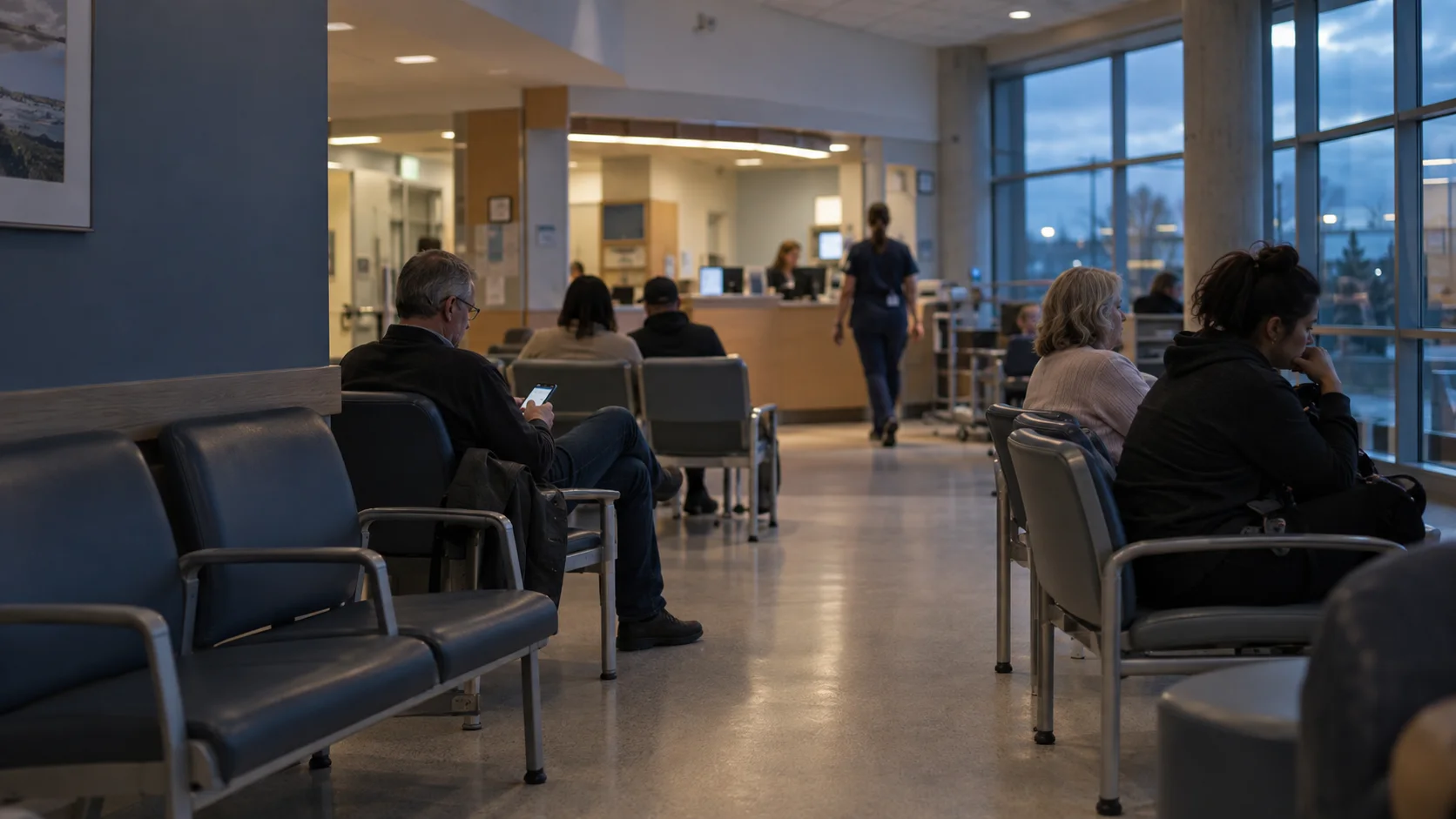
Connected emergency care
Emergency care.In clearer view.
Keep patients informed, families connected and care teams in sync. Every step of the emergency visit, in one place.
| Location | Visit stage | In stage |
|---|---|---|
| A3 | Tests in progress | 30 min |
| W12 | Waiting to be seen | 95 min |
| C2 | Results back | 41 min |
| B7 | Preparing to go home | 12 min |
Visit updatesSample visit
Tests in progress
Your care team will review your results with you.
Most people within 90 min
- Checked in
- Seen by doctor
- Tests in progress1 of 3 results back
- Results and next steps
- Never shows results
- Works with Epic and Oracle Health
- English and French
- Hosted in Canada
One visit. A shared understanding.
The right information for every person involved, from the waiting room to the care team.
Try the demoThe next step, already in view.
A visit card opens a live picture of care. Patients can follow their progress without another trip to the desk.
- Visit progress and care team
- Usual time ranges, not countdowns
- Test status without clinical results
Visit updatesSample visit
Tests in progress
Your care team will review your results with you.
Most people within 90 min
- Checked in
- Seen by doctor
- Tests in progress1 of 3 results back
- Results and next steps
A simple start. A connected visit.
- 01
Scan the visit card
At registration, the patient gets a visit card. One scan opens their visit on their own phone: no app to install, no account to create.
- 02
Follow the visit live
The stage, the care team and each test's progress update live from the EHR, with honest time ranges for this hour. Results are never shown.
- 03
Share with family
The patient decides who follows along. Family see the stage, the waiting estimate and first names, never tests or results.
- 04
Ask the care team
Structured requests reach the right person and are acknowledged. "I feel worse" always says: tell a nurse in person now.

More clarity in the moments that matter.
A wait feels different when people know what is happening. Give patients a clear view of their visit, while the care team stays focused on care.
Built around the questions people ask.
Live stage timeline
Every step of the visit in plain words, with the current step marked and what usually comes next.
Care team
The first names and roles of the people looking after the patient, updated at every handover.
Test tracker
Ordered, collected, in the lab, back: the process of each test, with estimates for this day and hour.
"Results are back", without results
Patients learn that a result exists, never what it says. Their care team explains it.
Code-delay notices
When a very sick patient pulls the team away, people waiting are told calmly that waits may be longer, and why.
Requests with acknowledgement
Predefined requests reach the right staff member and show who saw them, so nobody wonders whether the message arrived.
Family sharing
Patient-controlled links with the minimum necessary information, revocable at any time.
Flow analytics
Times per step, bottlenecks by hour and request response times, with a table view for every chart.
Fits the systems behind your care.
Connect through your hospital’s integration engine, or start with the staff console. The same visit experience, from either source.
Epic and Oracle Health via HL7 v2 or FHIR R4. Only the events needed to follow the visit.
Care information, carefully shared.
Never shows results
Patients see that a result is back, never the result.
Minimum-necessary family view
Family see the stage, the waiting estimate and first names, only if the patient shares.
No health information in notifications
Push notifications, texts and links carry no names, tests or locations.
Canadian data residency
Hospital data stays in a Canadian region; the showcase uses synthetic data only.
Full audit trail
Every access to patient data is logged and reviewable by the privacy office.
PIA and TRA ready
Documentation, data inventory and controls ready for your privacy impact and threat risk assessments.
Accessible and bilingual from the first release
- Plain language at a grade 6 to 8 reading level
- English and French from day one, with safety messages in more languages
- Text up to 200%, high contrast and reduced motion respected
What the research says
Information changes how a wait feels
Findings from published studies by other teams, not results of EDFlow. Each links to its source.
- 86%
- satisfaction with lab turnaround when patients saw digital progress updates, versus 55% without, in an unmatched pilot analysis [4]
- 1.4–5.5×
- Patients who were not told about delays were 1.42 to 5.48 times more likely to give lower ratings [5]
- p70
- Estimates set at the 70th percentile raised satisfaction the most; estimates at the median had no effect [6]
- 90%
- of surveyed patients wanted wait information in the emergency department, and 77% said it would improve their experience [7]
Questions hospitals ask
Does EDFlow show test results to patients?
No. EDFlow shows that a result is back, never what it says. The care team explains results in person, which avoids the worry that unexplained results cause.
Do patients need to download an app?
No. Patients scan the QR code on their visit card and follow their visit in the browser, with no account and nothing to install. A native app for iPhone and Android is optional.
Which EHRs does it work with?
It works with Epic, Oracle Health and any EHR whose integration engine can send HL7 v2 or FHIR R4 events. The hospital's engine sends a small, minimized event feed over HTTPS. A staff console can run every step by hand when there is no feed.
Where is patient data stored?
Hospital data is hosted in Canada. Only the minimum data needed is received: no result values, no notes, no health card numbers. Identifiers are stored as keyed hashes and every access is audit-logged.
Is it a medical device?
It is designed as communication and workflow software: it never shows results, interprets them or gives clinical advice. Each hospital completes its own privacy impact and threat risk assessments before a pilot.
What happens if a patient feels worse while waiting?
The first request tile is always "I feel worse". It tells the patient to tell a nurse or staff member in person right away and alerts the care team at the same time, with no confirmation step. The app is never an emergency channel.
How are wait estimates calculated?
From this hospital's own history for the same step, day of the week and time of day: a usual range, plus the time most people (9 in 10) are done within. Never a countdown, never a promise, and it says what it is based on.
Can we start without an EHR interface?
Yes. A pilot can start with the staff console on day one, before any interface work. The EHR feed follows through the hospital's integration engine, and the console stays available whenever a feed is down.
Bring the whole visit into view.
Explore the patient and staff experience, then plan a pilot around your department’s workflows.
Sources
- [1]Health Literacy in Canada: A Healthy Understanding (opens in a new tab) · Canadian Council on Learning, 2008
- [2]Value-for-Money Audit: Emergency Departments (opens in a new tab) · Office of the Auditor General of Ontario, 2023
- [3]Effects of actual waiting time, perceived waiting time, information delivery, and expressive quality on patient satisfaction in the emergency department (opens in a new tab) · Annals of Emergency Medicine, 1996
- [4]Digital Care Updates in the Emergency Department: A Feasibility Study (opens in a new tab) · Academic Emergency Medicine, 2019
- [5]Managing patient expectations at emergency department triage (opens in a new tab) · Patient Experience Journal, 2015
- [6]Under-Promising and Over-Delivering to Improve Patient Satisfaction at Emergency Departments: Evidence from a Field Experiment Providing Wait Information (opens in a new tab) · SSRN 4135705
- [7]Availability of Emergency Department Wait Times Information: A Patient-Centered Needs Assessment (opens in a new tab) · PubMed Central, 2021