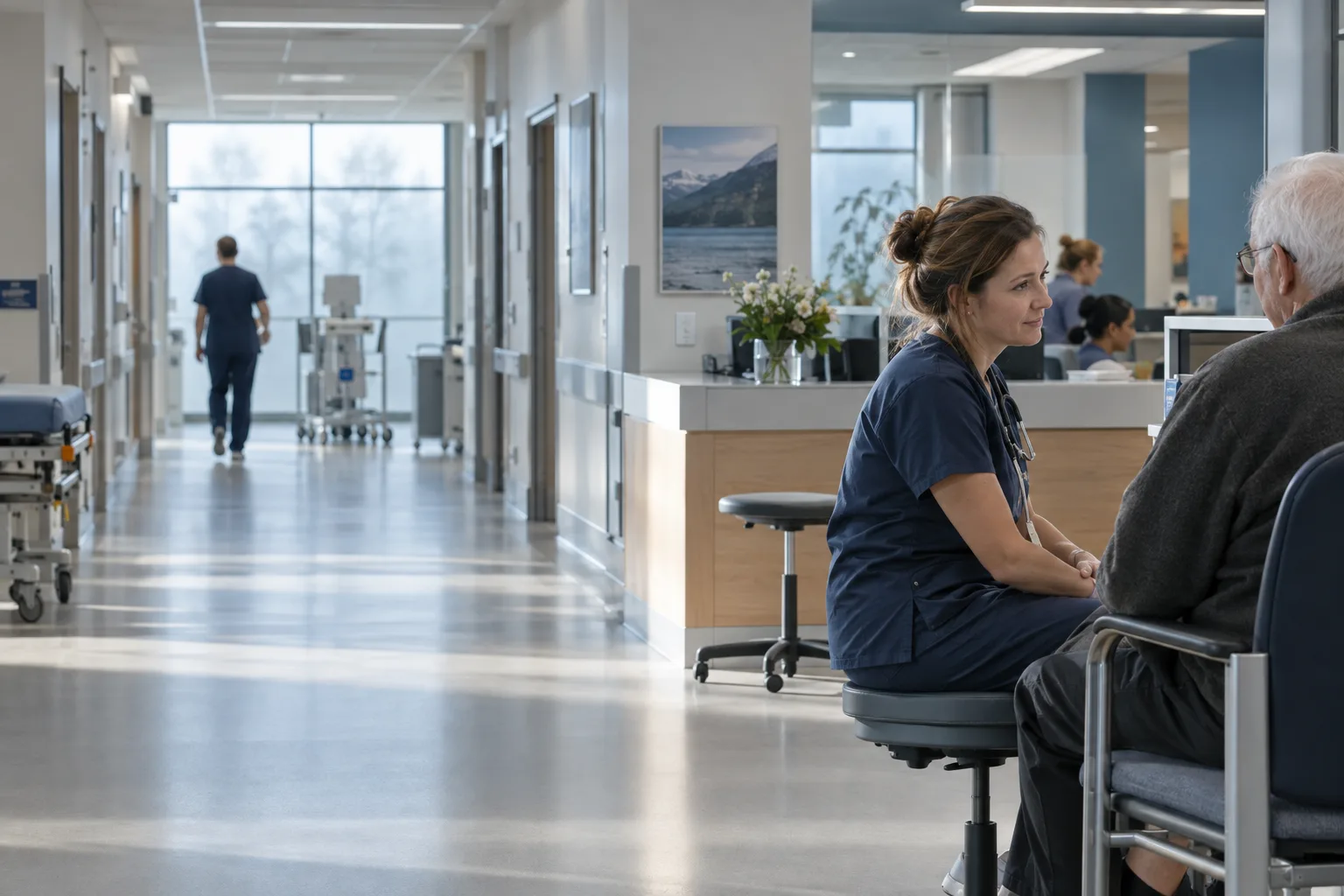
For clinicians and staff
Fewer interruptions, requests that arrive sorted
EDFlow answers the questions patients and families ask at the desk all shift, and gives your team a live board, a request queue sorted by priority, and a way to explain delays without leaving the bedside.
At a glance
A board that shows who is waiting on what
Stage, time in stage against the usual, tests back, open requests and reassessments due, for every patient.
A request queue, not a call bell
Predefined requests, grouped by priority, acknowledged in one tap, with response times measured.
Explain delays in one tap
Post a calm delay notice to the right waiting patients in one tap when a very sick patient pulls the team away.
A console for when there's no feed
No feed yet, or a feed that drops? Run any step by hand, with the source of every field shown.
| Location | Visit stage | In stage |
|---|---|---|
| Tests in progress | 30 min | |
| Waiting to be seen | 95 min | |
| Results back | 41 min | |
| Preparing to go home | 12 min |
For clinicians
The details make the difference.
Most questions at the desk are about status
Staff nurses describe patient call lights as frequent, often non-urgent and hard to triage from the station.[1] In the emergency department, the most common question from patients and families is how long the wait will be.[2] Both interrupt care without improving it.
EDFlow answers status and process questions automatically, from the EHR events the department already records, and turns everything else into structured requests the right person can act on.
The board
- Location, initials and age, with names hidden on shared displays and shown on authenticated staff screens when needed.
- Stage and time in stage, compared with the usual time for this step at this hour, so a bottleneck shows before it becomes a complaint.
- Tests as "2 of 4 back", and a clear mark when every result is back and the patient is waiting to be seen again.
- Reassessment due or overdue for patients in the waiting room.
- Requests with a count and the age of the oldest one, and alerts such as "Thinking of leaving" or "Patient is outside the department".
The default order is zone and bed for treatment areas and time waiting for the waiting room. Every column can be sorted and hidden, and the board works as a wall display with larger type and no controls.
The request queue
Requests arrive grouped by priority (urgent, high, normal, low), then by age. Each shows what the patient asked for, where they are and how long they've been waiting for a response. The age turns amber past the site's target and red past twice the target.
Urgent requests, like "I feel worse", have two answers only: Going now or Can't go. The patient sees "Jordan knows you asked for help" only after someone commits. Low-priority rows can be acknowledged in bulk, and everything works from the keyboard.
Delay notices
When a critical patient pulls the team away, any clerk, triage nurse or nurse can post a delay notice for the waiting patients in the affected zones with one tap. Patients read that someone needs urgent care right now and that their wait may be longer; they never see the code, the patient or the location.
Explaining delays is what moves patient ratings: in a study at triage, patients who were not told about delays were 1.42 to 5.48 times more likely to give lower ratings.[3]
Built for clinical privacy
- Staff sign in with multi-factor authentication; reading a patient's details opens an audited access grant first.
- Visit cards print only at registered stations. Staff screens show a masked visit code, never a usable patient credential.
- The staff companion app runs on hospital-managed devices only.
Frequently asked questions
Does it add documentation work?
Very little. Most of what patients see comes from the EHR events the department already records. Staff tap only for things the EHR doesn't know, like "seen again", and every action is one tap from the board row.
Won't requests flood the nursing station?
Requests are predefined and grouped by priority, then by age. Comfort requests like water or a blanket can go to a support queue first. Urgent requests show "Going now" and "Can't go" so the patient knows help is on the way only when someone has committed.
What happens when the EHR feed goes down?
The staff console can run every step of a visit by hand, through the same pipeline as the EHR feed. When a feed is delayed, staff see it on the board and patients see that updates may be delayed.
A connected visit for everyone.
Bring the whole visit into view.
Explore the patient and staff experience, then plan a pilot around your department’s workflows.
Sources
- [1]Perspectives of staff nurses of the reasons for and the nature of patient-initiated call lights (opens in a new tab) · BMC Health Services Research, 2010
- [2]A trial of a chat service for patients and their family members in an emergency department (opens in a new tab) · BMC Health Services Research, 2024
- [3]Managing patient expectations at emergency department triage (opens in a new tab) · Patient Experience Journal, 2015