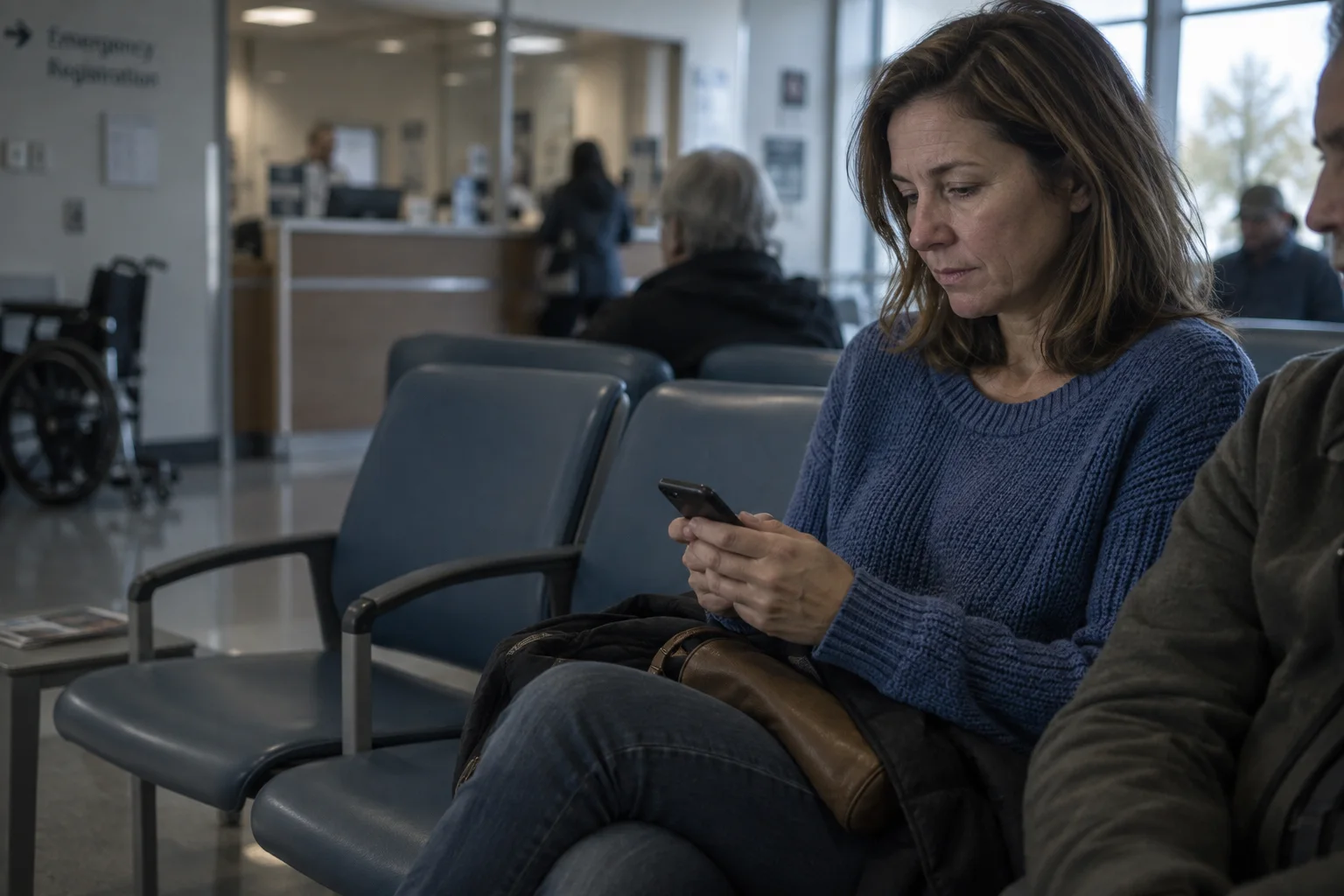
For patients
Know what's happening in your emergency visit
Scan your visit card and EDFlow shows where you are in your visit, who is looking after you, which tests are under way and what usually happens next, in plain words, in English or French.
At a glance
Your visit, step by step
Every step of your visit, the step you are at, and what usually comes next.
Honest time ranges
A usual range for this hospital at this hour, plus when most people (9 in 10) are done. Never a countdown.
Ask without waiting at the desk
Water, a blanket, help to the washroom or an interpreter: your request reaches the right person, and you see when it's seen.
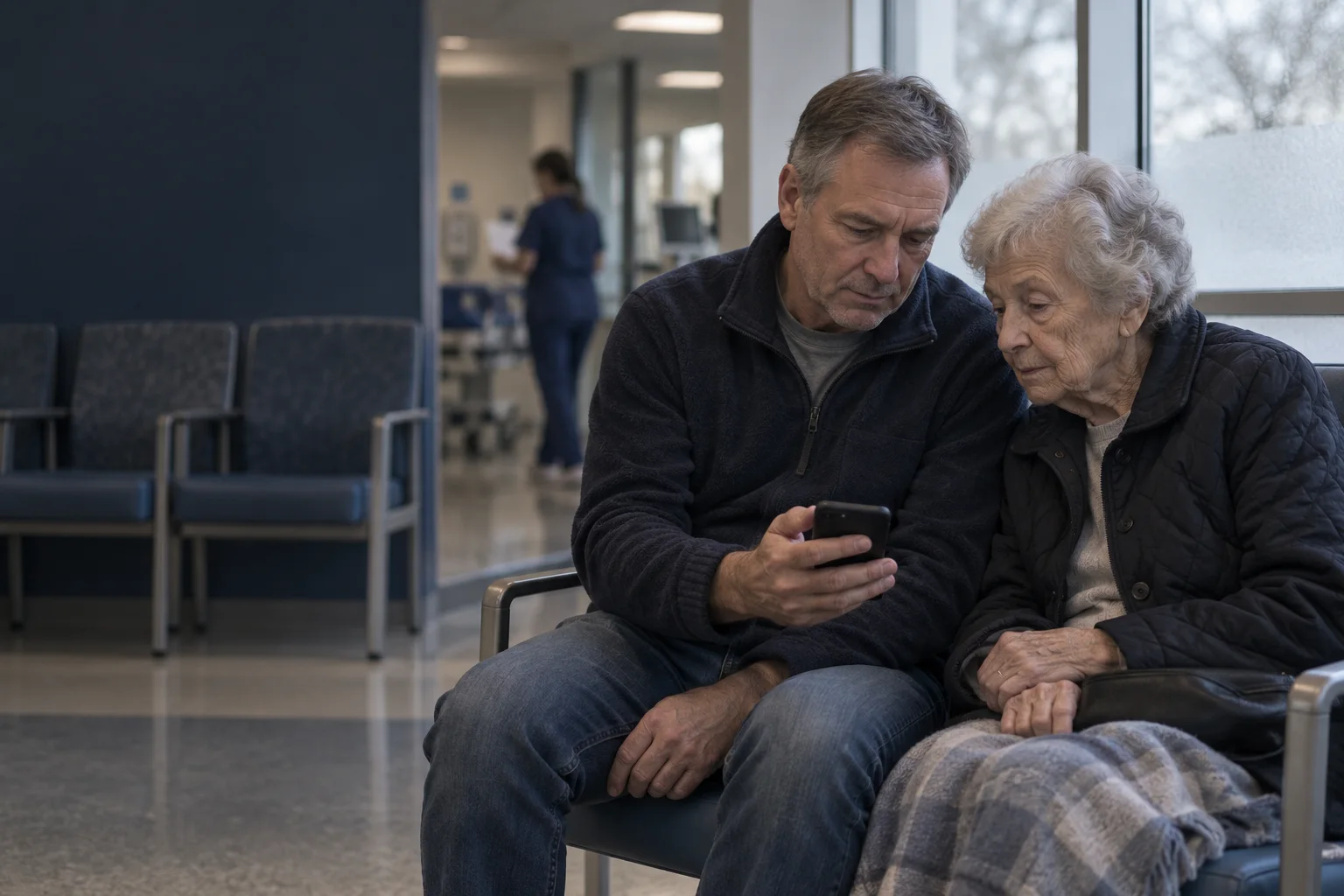
Keep someone updated
Choose who follows along. They see where you are, never your tests or results.
Visit updatesSample visit
Tests in progress
Your care team will review your results with you.
Most people within 90 min
- Checked in
- Seen by doctor
- Tests in progress1 of 3 results back
- Results and next steps
For patients
The details make the difference.
Getting started takes one scan
At registration, staff give you a visit card. Scan its QR code with your phone's camera and your visit opens in the browser: no app, no account, no password. If you can't scan it, enter your last name, your date of birth and the visit code printed on the card. EDFlow connects you to today's visit only, not to your health record.
If the card doesn't work, or you'd rather have help, ask any nurse or the registration desk. They can pair your phone for you.
What you see
Your visit screen answers four questions, in this order: where you are in your visit, who is looking after you, what's happening now and what you can do.
- The stage of your visit, from checked in to going home or staying in hospital, with a sentence about what usually happens next.
- Your care team: the names and roles of the doctor and nurse looking after you, updated when they change shifts.
- Your tests, as a process: ordered, collected, in the lab, back. Each shows how long it usually takes at this time of day.
- Things you can do, like handing a sample to your nurse, with a button that lets them know.
Time estimates you can trust
Research shows that people who are told what's happening and why feel better about their wait, even when the wait is the same length.[1][2] So every estimate says what it's based on, like "Based on past Tuesdays around 7 p.m. at this hospital".
Estimates are a range, plus the time most people (9 in 10) are done within. They are never a countdown. If a step is taking longer than usual, the screen says so and suggests checking with a nurse.
When a very sick patient needs the team's attention, you may see a calm notice that waits may be longer. It never says who, or why in detail: only that the team is caring for someone who needs urgent care.
Requests, without waiting at the desk
The requests screen has tiles for the things people most often need in an emergency department: water, food, a blanket, help to the washroom, an interpreter, or letting the team know you're stepping out. Your request goes to the right person, and you see when it's sent and when someone has seen it.
The first tile is always I feel worse. It tells you to tell a nurse or staff member in person right away, and it alerts your care team at the same time, with no extra step. It is never a replacement for talking to someone.
Made for everyone
- English and French everywhere, and safety messages in more languages.
- Plain language, large text up to 200%, screen readers, high contrast and reduced motion.
- Notifications on your lock screen never say what hospital you're in or anything about your health.
Frequently asked questions
Do I need to download anything?
No. Scan the QR code on the visit card you get at registration and your visit opens in your phone's browser. There is nothing to install and no account to create. If you prefer an app, you can download it later.
Will I see my test results?
No. EDFlow shows when a result is back, never what it says. Your care team will talk with you about your results in person.
Where do the time estimates come from?
Estimates come from this hospital's own history for the same step, on the same day of the week and at the same time of day. They are a usual range, not a promise: the sickest people are always seen first, so times can change.
What if I feel worse while I wait?
Tell a nurse or any staff member right away, in person. The "I feel worse" button also lets your care team know at the same time, but don't wait for a reply on your phone.
A connected visit for everyone.

Bring the whole visit into view.
Explore the patient and staff experience, then plan a pilot around your department’s workflows.
Sources
- [1]Effects of actual waiting time, perceived waiting time, information delivery, and expressive quality on patient satisfaction in the emergency department (opens in a new tab) · Annals of Emergency Medicine, 1996
- [2]Managing patient expectations at emergency department triage (opens in a new tab) · Patient Experience Journal, 2015