For families
Follow along without calling the desk
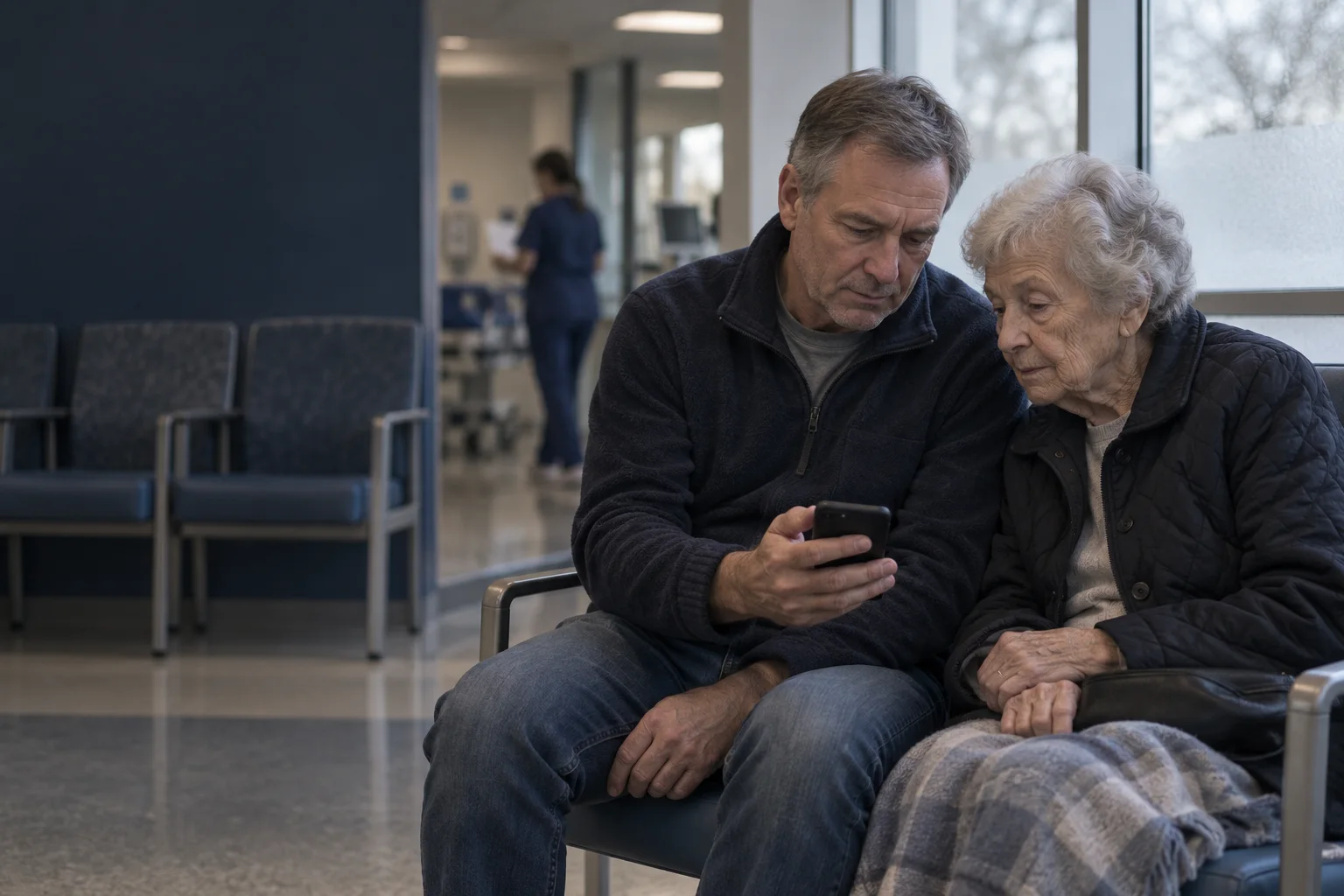
When someone you love is in the emergency department, not knowing is hard. With the patient's permission, you can follow their visit from the waiting room or from home, without calling the desk.
At a glance
Where they are
The stage of the visit in plain words: waiting to be seen, seen by a care provider, care in progress, going home.
How long it usually takes
While they wait to be seen, the usual range for this hospital at this hour.
Who is with them
The first names and roles of the people looking after them.
Their choice, always
Only what the patient chooses to share, for as long as they choose. Never tests or results.
Sample visit
Follow the visit
A simple view for the people you choose.
Amara · Your doctor
For families
The details make the difference.
Families ask the same questions nurses answer all day
In a trial of a chat service in an emergency department, family members sent more than three times as many messages as patients, and the most common question was how long the wait would be.[1] Families that weren't physically present found updates most useful. Most of those questions are about status and process, which a live view can answer without taking a nurse away from care.
How sharing works
Sharing starts with the patient, on the phone that first scanned their visit card. They choose "Keep someone updated", see exactly what you will and won't see, and send the link from their phone's share sheet, as a QR code, or by text to a verified number.
- A patient can share with up to five people at a time.
- Each link can be opened on a limited number of devices.
- The patient can stop sharing at any time, and see when each link was last viewed.
- Links end at the time the patient chose, or shortly after the visit ends.
What you see, and what you don't
| You'll see | You won't see |
|---|---|
| The stage of the visit | Tests, results or notes |
| The usual wait while they wait to be seen | Where they are in the department |
| First names and roles of the care team | Their requests to the care team |
| Notices when waits may be longer | Anything they chose not to share |
Family updates follow the minimum-necessary principle of Ontario's health privacy law.[2] Opening a link in a chat app's preview never starts a session: you choose "View updates" first.
Texts for the big moments
If you prefer, you can get a text when there is a big update, like being seen by a doctor or going home. Texts never include a name, the hospital or anything about their health: only that there's an update and a link.
Frequently asked questions
Can I see their test results?
No. Family updates show where the person is in their visit, the waiting estimate while they wait to be seen, and the first names and roles of their care team. Tests and results are never shown to family.
How do I get access?
Only the patient can share their visit. On the phone that first scanned their visit card, they choose "Keep someone updated" and send you a link.
When does the link stop working?
At the time the patient chose, or shortly after the visit ends. The patient can stop sharing at any time, and the link stops working right away.
What if I'm worried about them?
If you are with them, tell a staff member now. If you are not at the hospital and are worried about them right now, call the hospital.
A connected visit for everyone.


Bring the whole visit into view.
Explore the patient and staff experience, then plan a pilot around your department’s workflows.
Sources
- [1]A trial of a chat service for patients and their family members in an emergency department (opens in a new tab) · BMC Health Services Research, 2024
- [2]Personal Health Information Protection Act, 2004 (opens in a new tab) · Government of Ontario